Scout by Factors.ai
React, AI chat, Sandboxed rendering
Pitched and built the React chat app that took Scout from hackathon prototype to launch.
- Rebuild
- Pitched to our CTO, built on an open-source chat library
- April 2026
- Launch
The problem
Scout is Factors.ai’s AI assistant for account intelligence. It began as a hackathon prototype on a rapid prototyping framework. That was the right call for a demo, but every new feature meant another iframe, and getting iframes to talk to each other was slow and fragile. Features shipped late and broke often. It was not ready for customers.
The pitch
I pitched our CTO on replacing the prototype with our own React chat app, built on an open-source chat library.
The tradeoff: we gave up the framework’s speed for quick experiments. In return we got full control of the interface, and we didn’t spend months rebuilding message lists, input handling and streaming from scratch. Our time went into the parts people actually see.
Deep dive 1: Running AI-written code safely
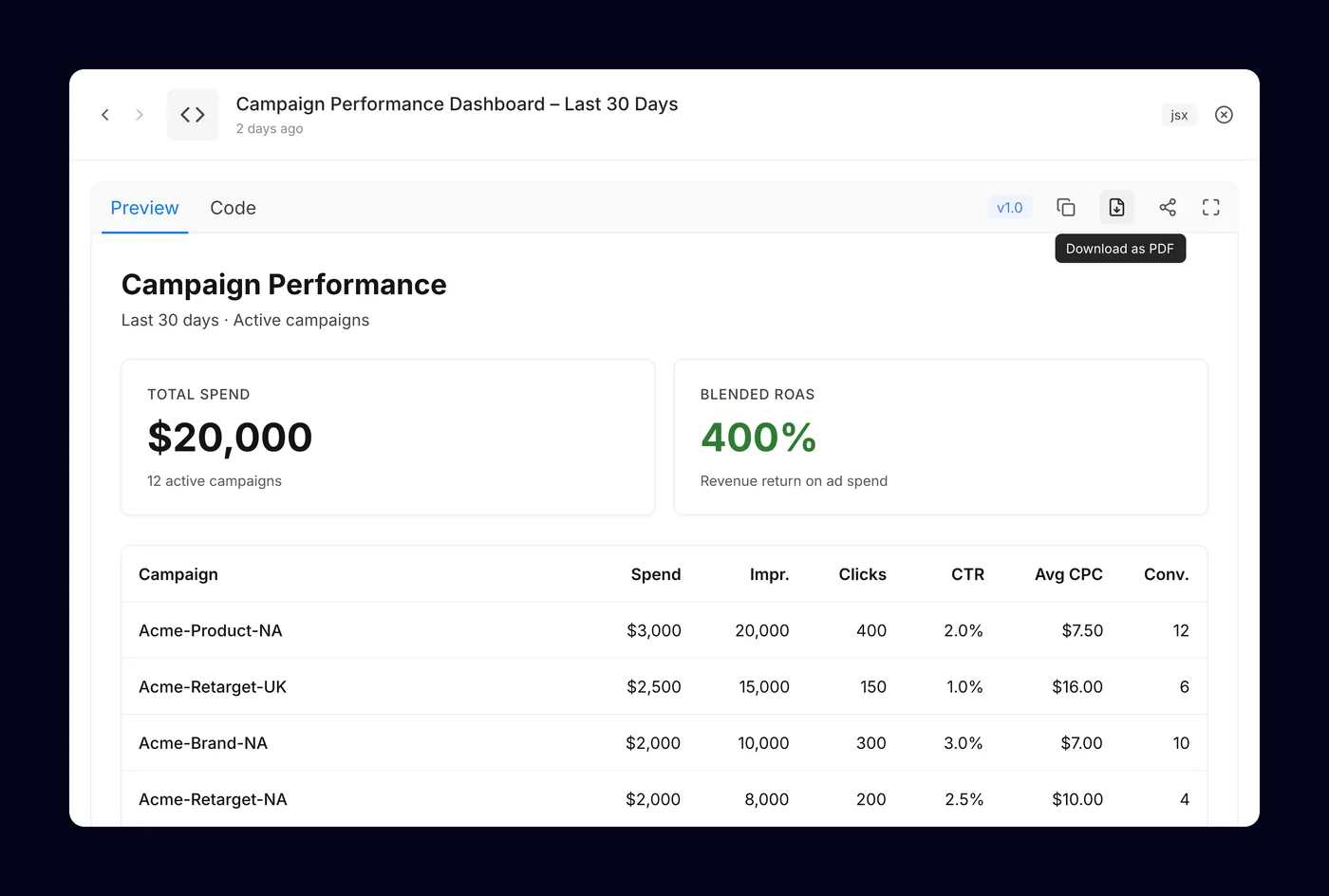
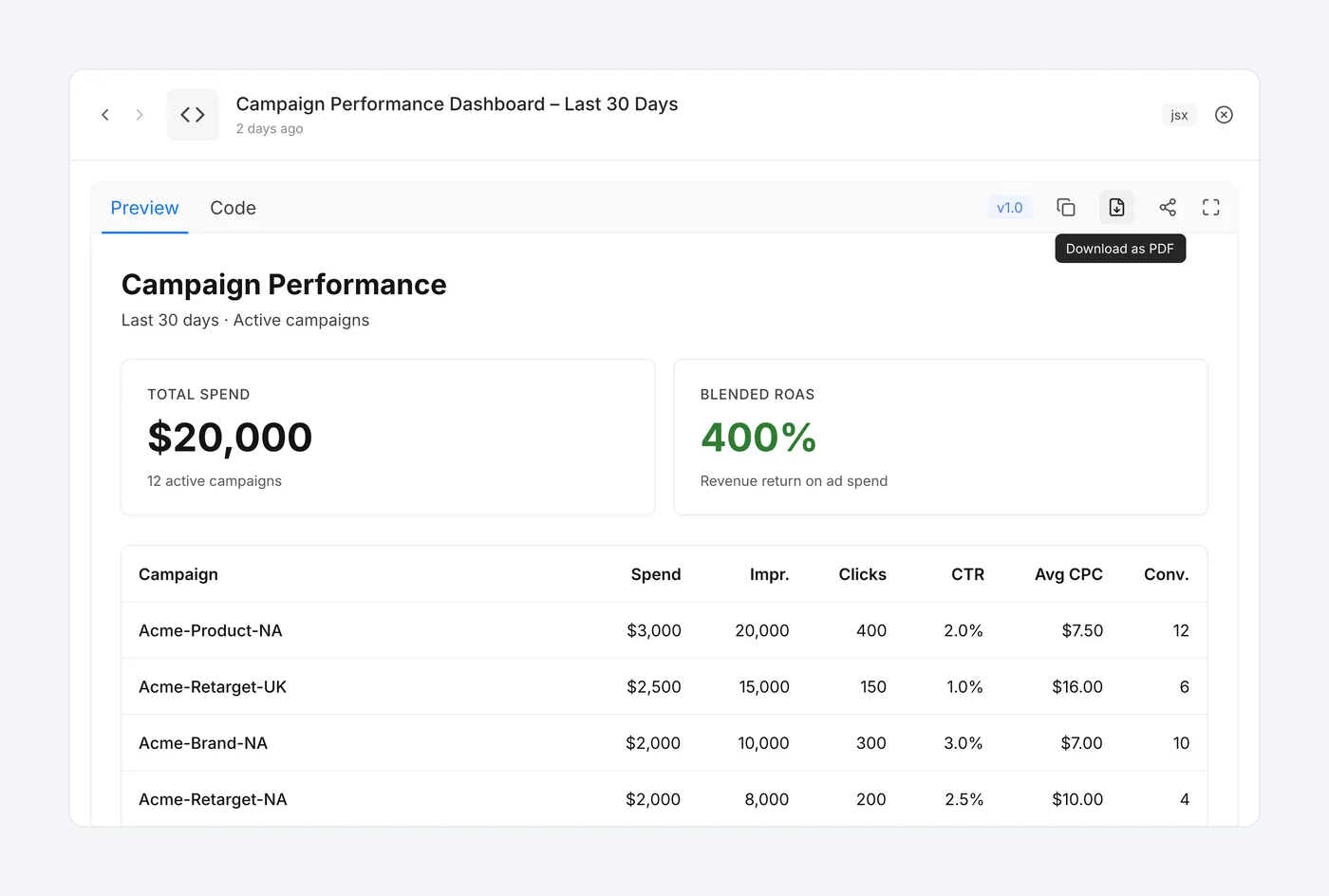
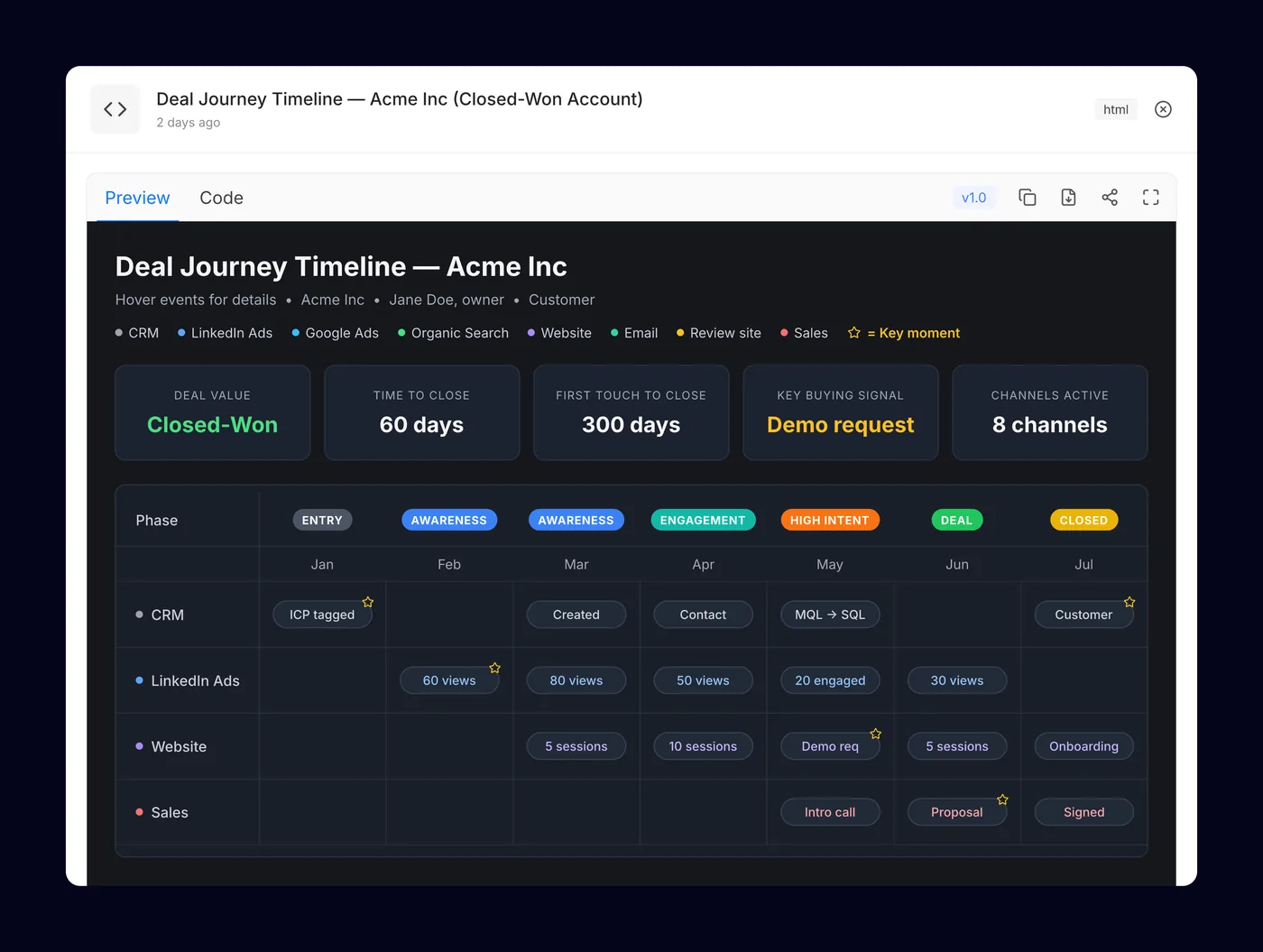
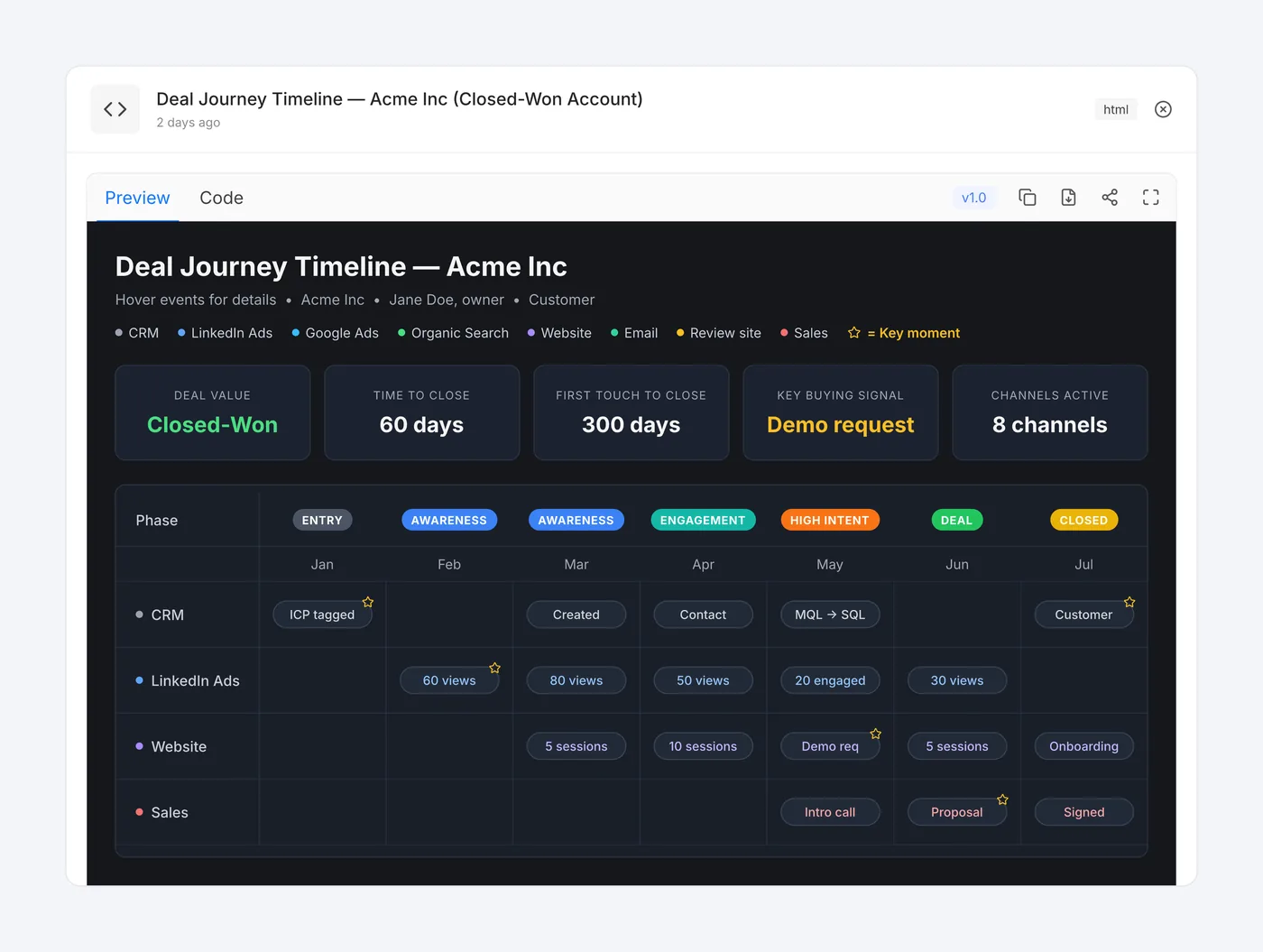
Problem Scout can answer with a full HTML or JSX page, like a dashboard or a deal timeline. People want to see that page working inside the chat. But the code is written by a model, so the app can’t trust it.
Decision Every generated page renders in a sandbox, isolated from the app and the user’s session. Preview and Code tabs let people check what was produced. Outputs can span multiple files and carry versions.
Result People get working, interactive pages inside the chat, and a bad output can’t break or reach into Scout.
Deep dive 2: One answer, many views
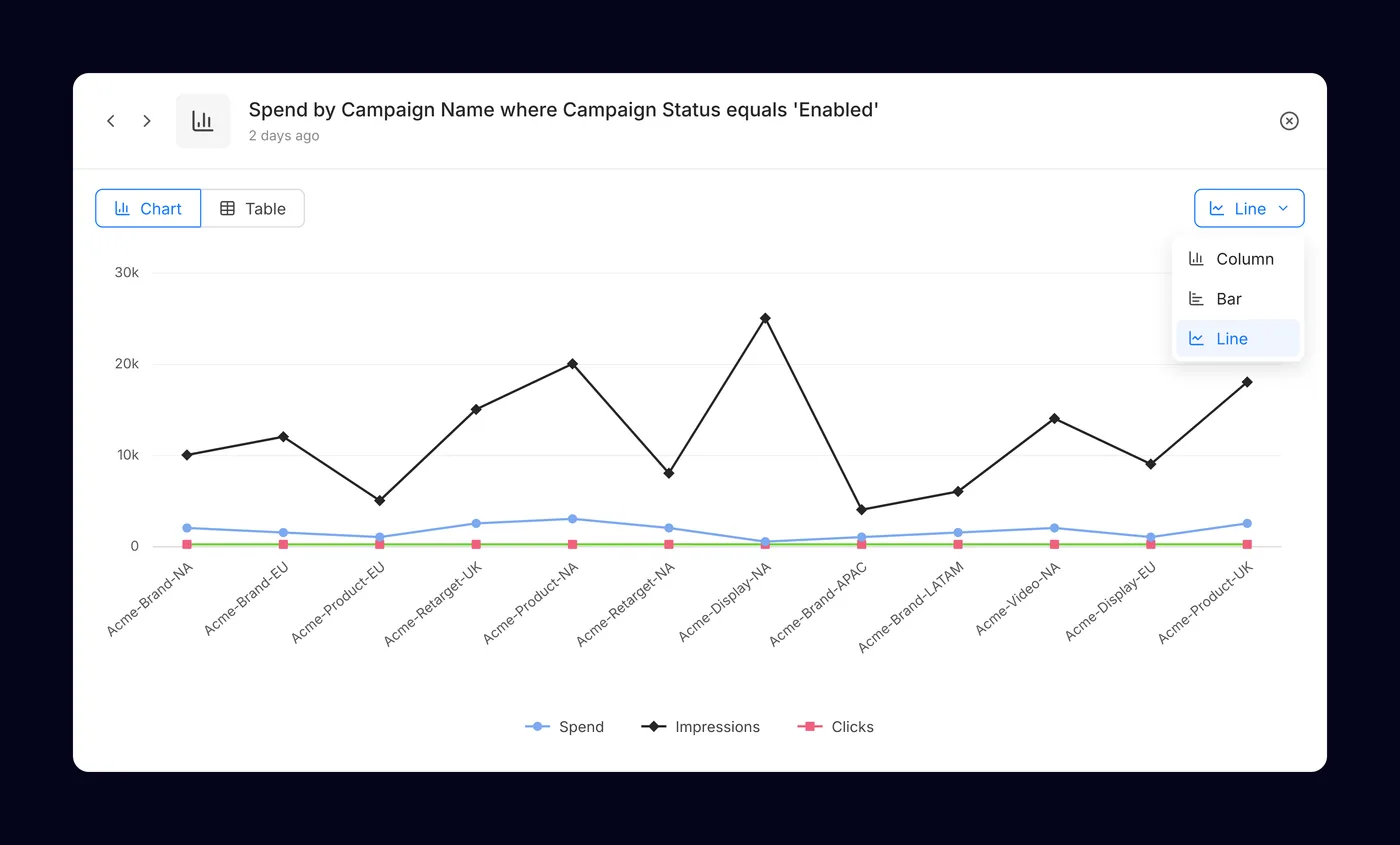
Problem The right chart depends on the question, and the model doesn’t always pick it. Asking again just to see a table wastes time.
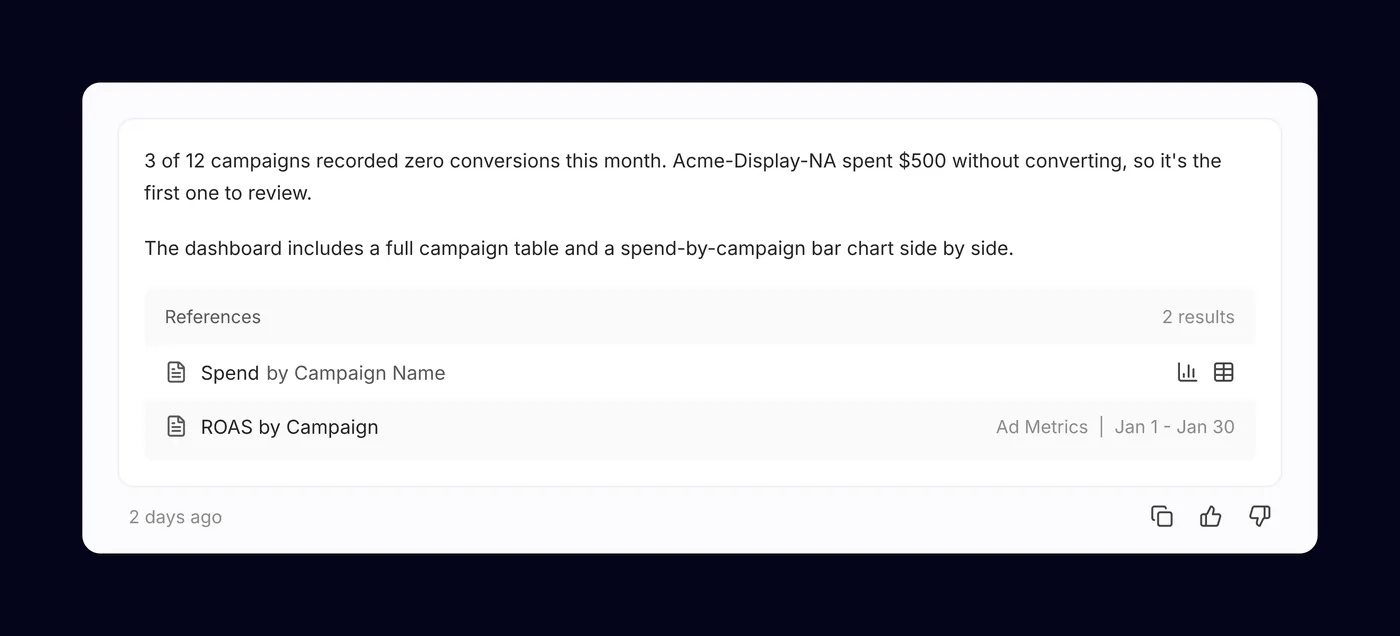
Decision Each data answer keeps its data separate from how it’s drawn. People switch between chart and table, and between bar, column and line, without a new request. References on the answer open the same data in either view.
Result People pick the chart they want in one click. The numbers match across every view.
Deep dive 3: Showing the work
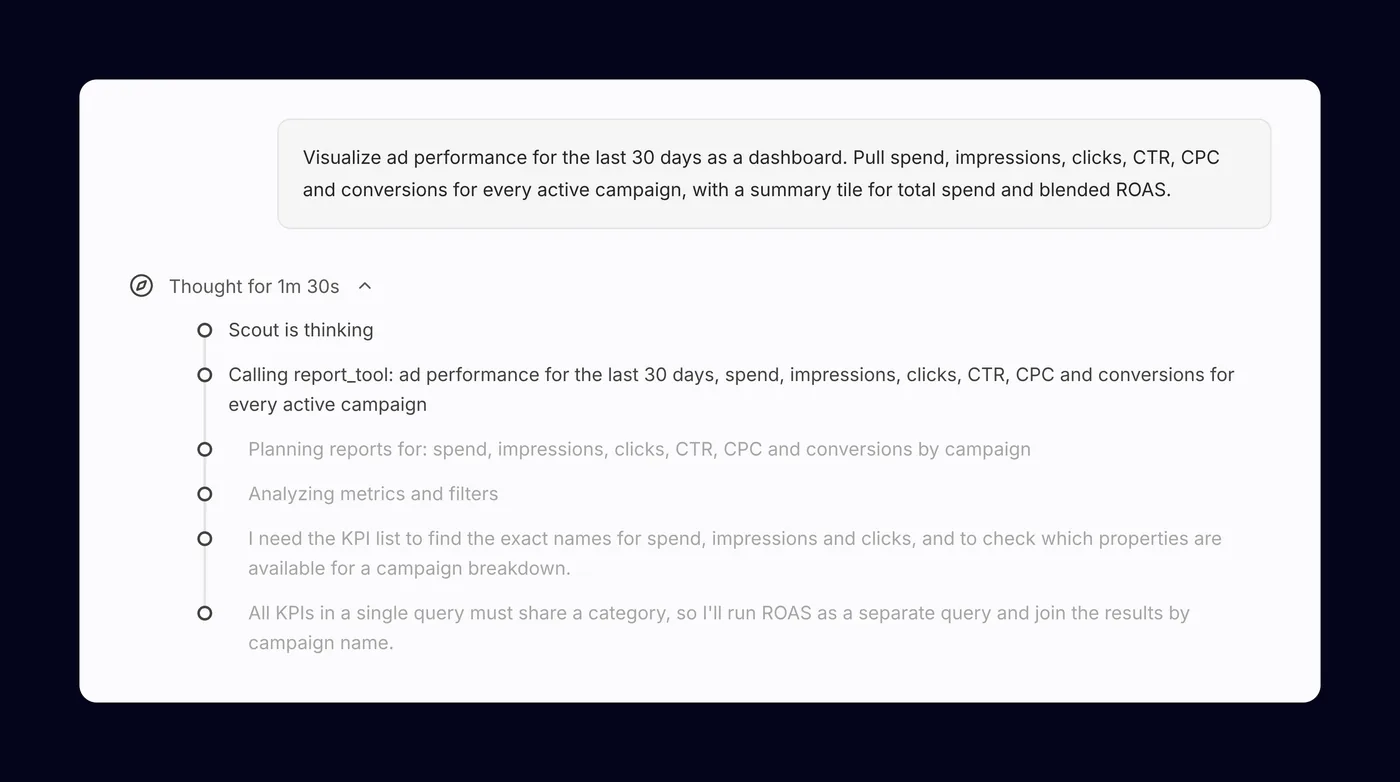
Problem People won’t act on numbers they can’t check, and a long silent wait feels broken.
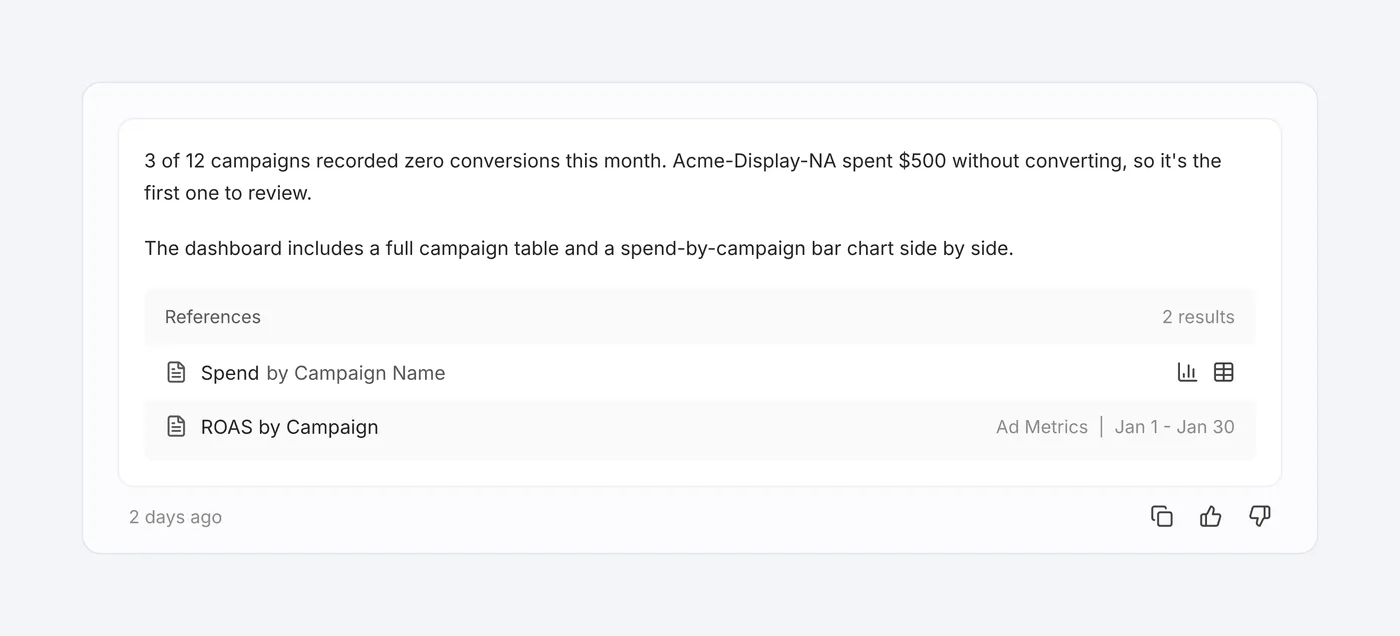
Decision Scout shows its reasoning steps as they happen, collapsed once the answer arrives. It asks a clarifying question when a request is ambiguous instead of guessing. Every answer lists the reports it used.
Result People can trace each answer back to the reports it used. Long requests show progress as Scout works.
Deep dive 4: Streams that survive a dropped connection
Problem Long answers can take a minute or more. A closed laptop or flaky Wi-Fi used to mean losing the answer and starting over.
Decision Streaming is resumable. When the connection comes back, the answer picks up where it left off instead of restarting.
Result Long answers are no longer all or nothing.
Design system and tooling
I own Scout’s design system and led the move from antd to shadcn, so components match our design instead of fighting a library’s defaults. I moved the build to Vite, Storybook 10 and Tailwind 4, and set up hot reload that saves about 2.5 to 5 developer weeks a year. I also built MCP server tooling so AI coding assistants work with our components and conventions, not generic guesses.
Outcome
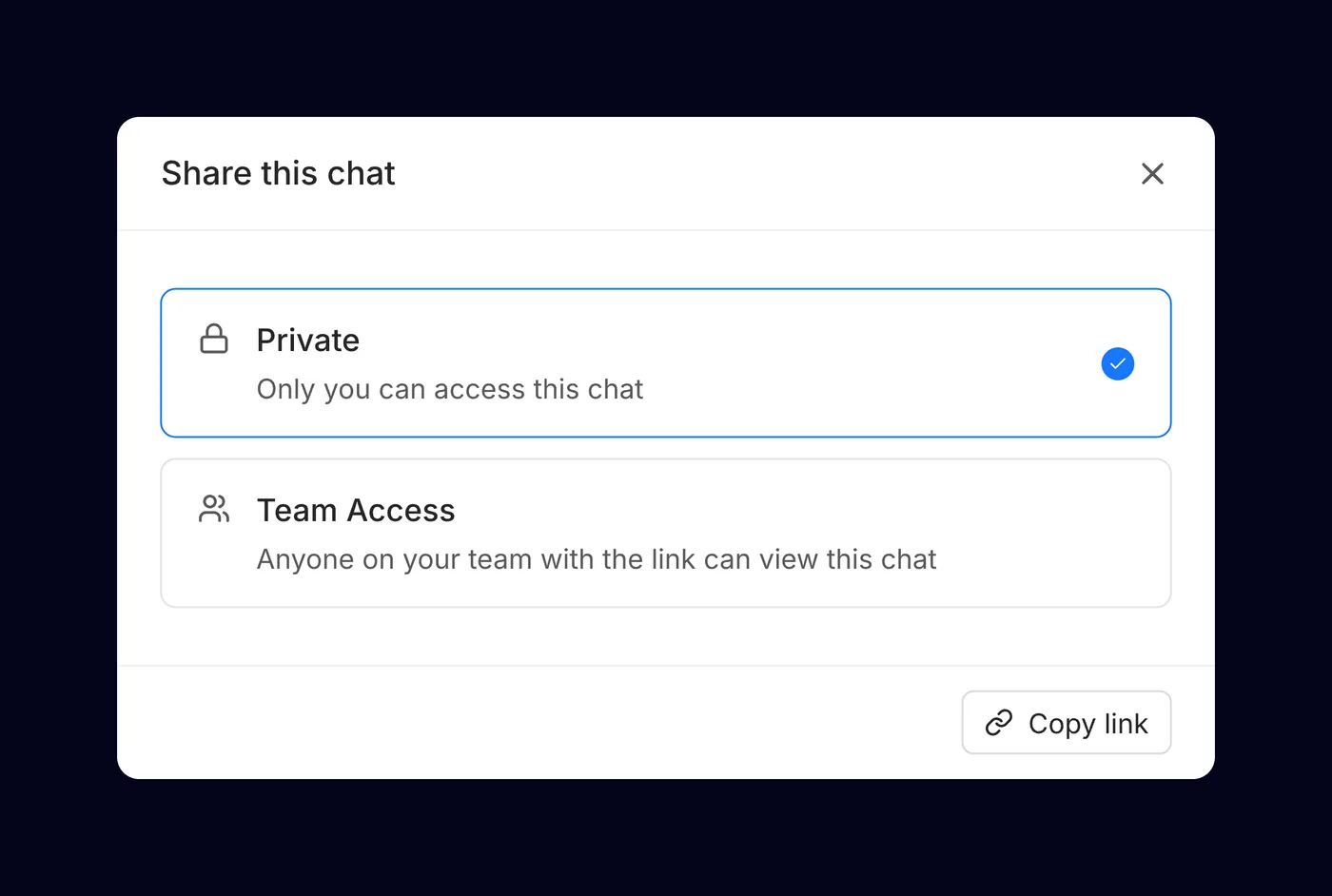
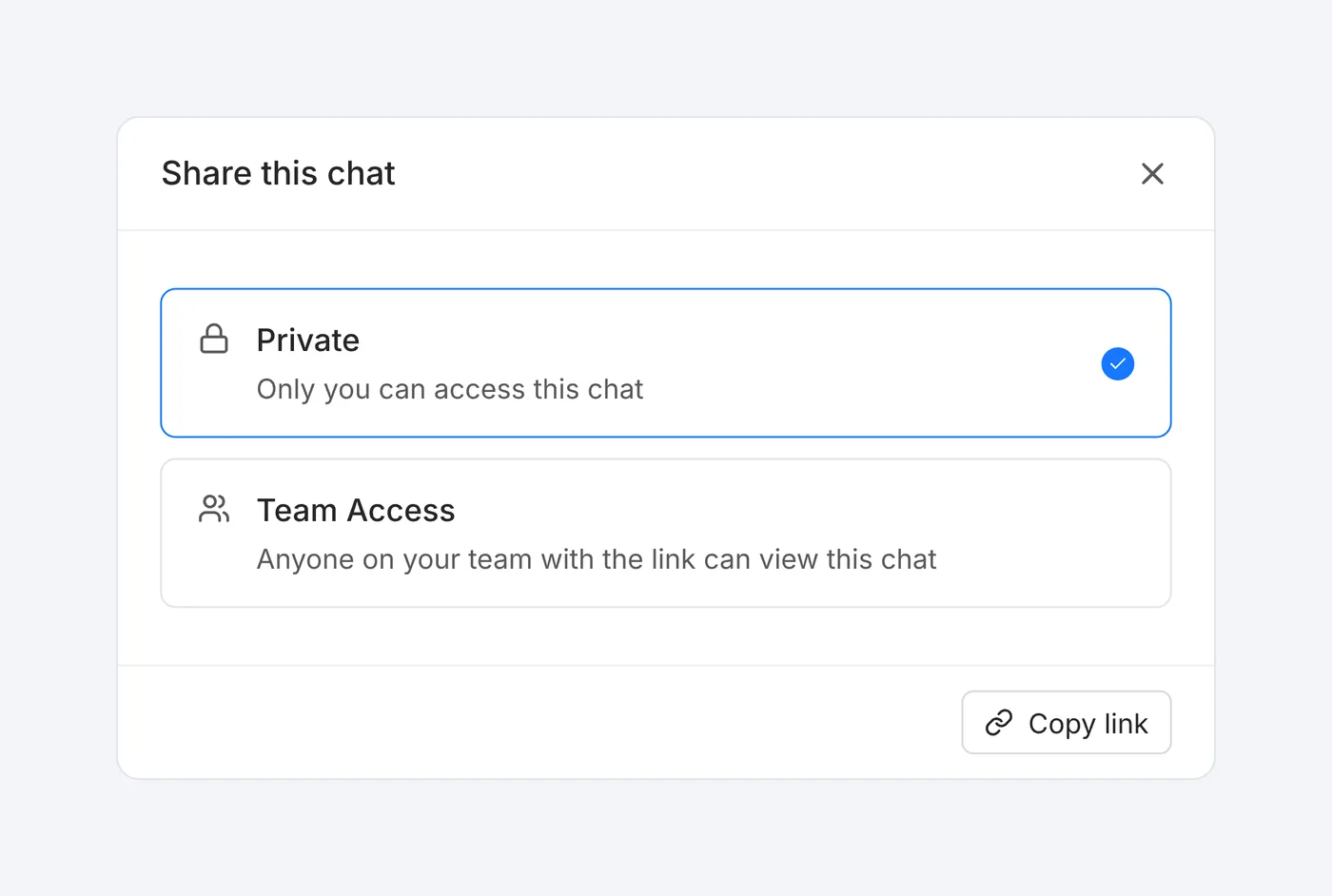
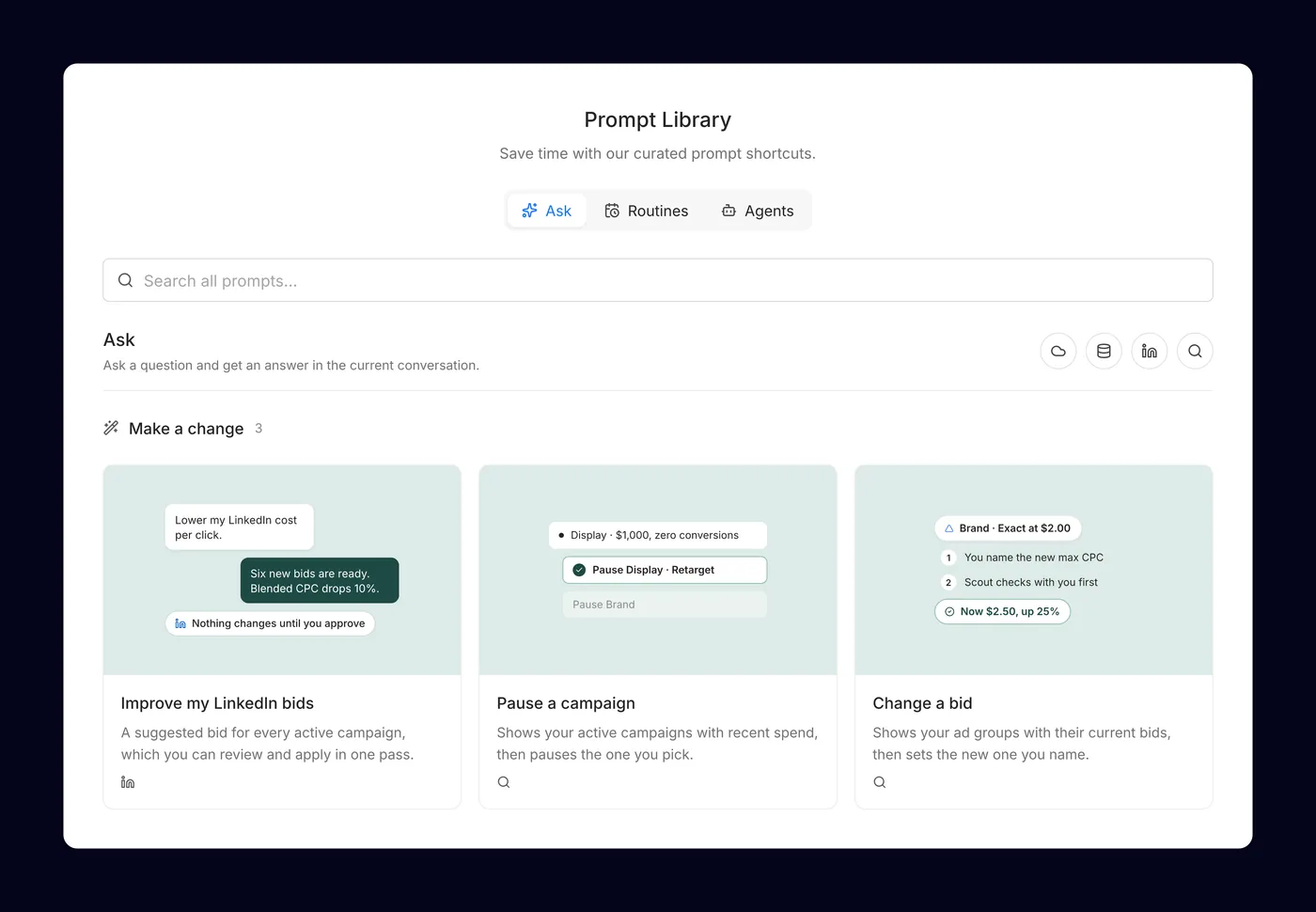
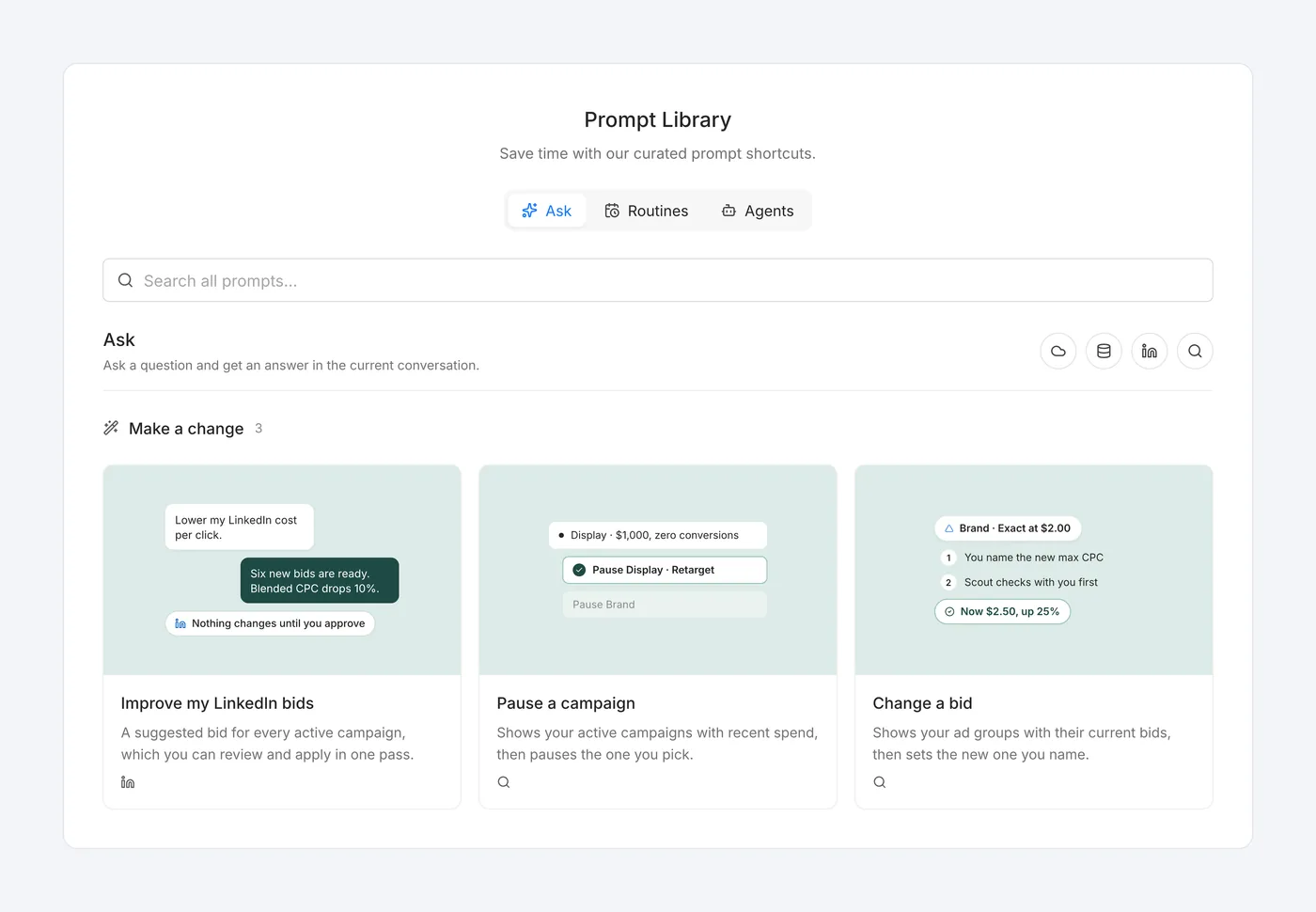
Scout went from an internal demo to a launched product in April 2026. Answers come with reasoning and references, people can share a chat by link or export it as a PDF, and a prompt library helps new users start.
Looking back
When a tool starts slowing everyone down, say it out loud. The prototype was great for demos, but every new feature fought it. Pitching the rebuild with honest tradeoffs, instead of working around it, is what got Scout to customers.